
PhotoDesktop
Non-destructive color grading, local masks, retouching and batch processing
Download for Mac1.0.0 · Requires macOS 14 or later
Made for photographs
Non-destructive editing
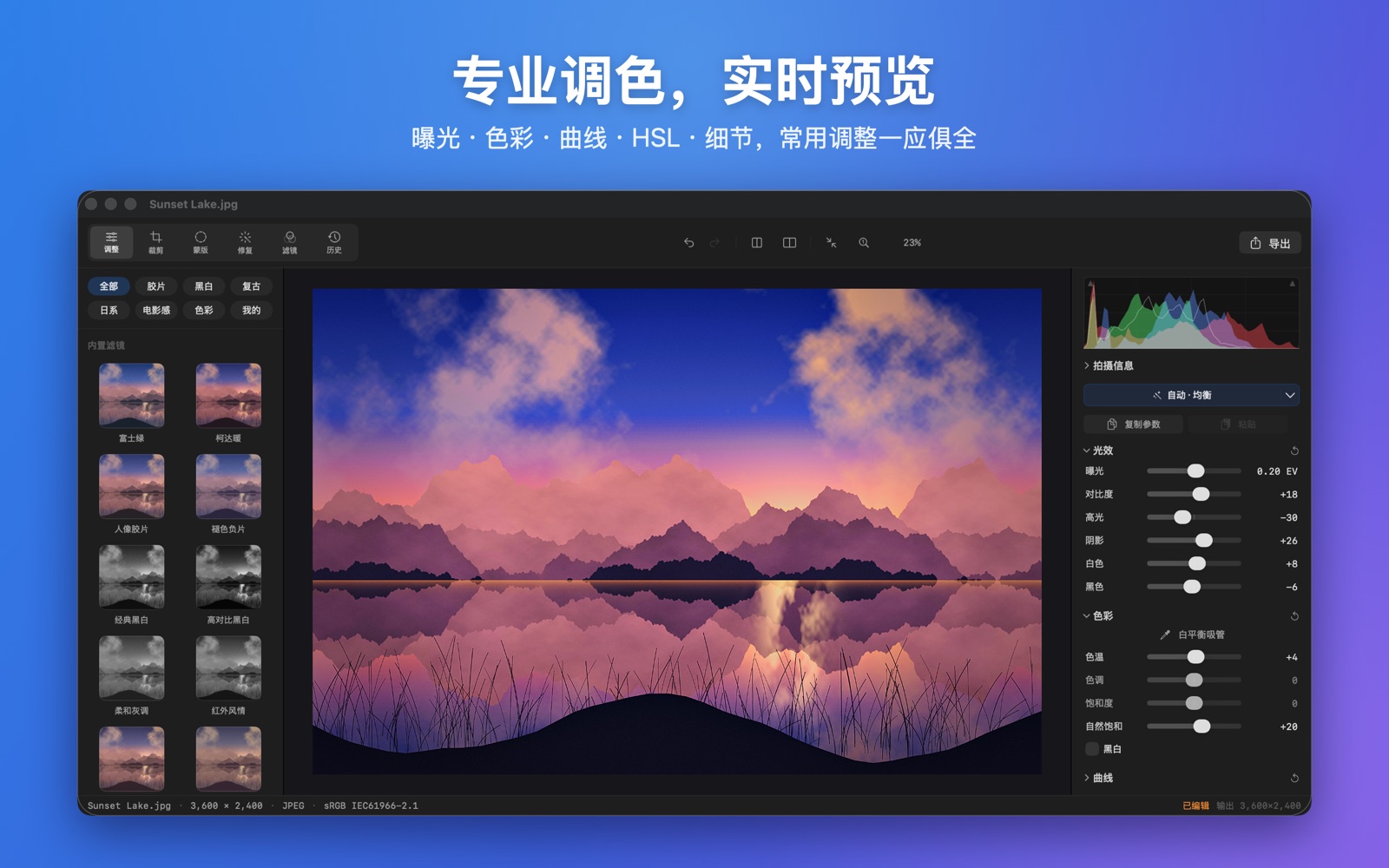
Every adjustment is saved as parameters and your original is never rewritten. Undo anytime, jump to any point in the history, or reset in one click. Reopen the same image and your last edit is restored automatically. Zoom to 1:1 to inspect pixel by pixel.
Global color grading
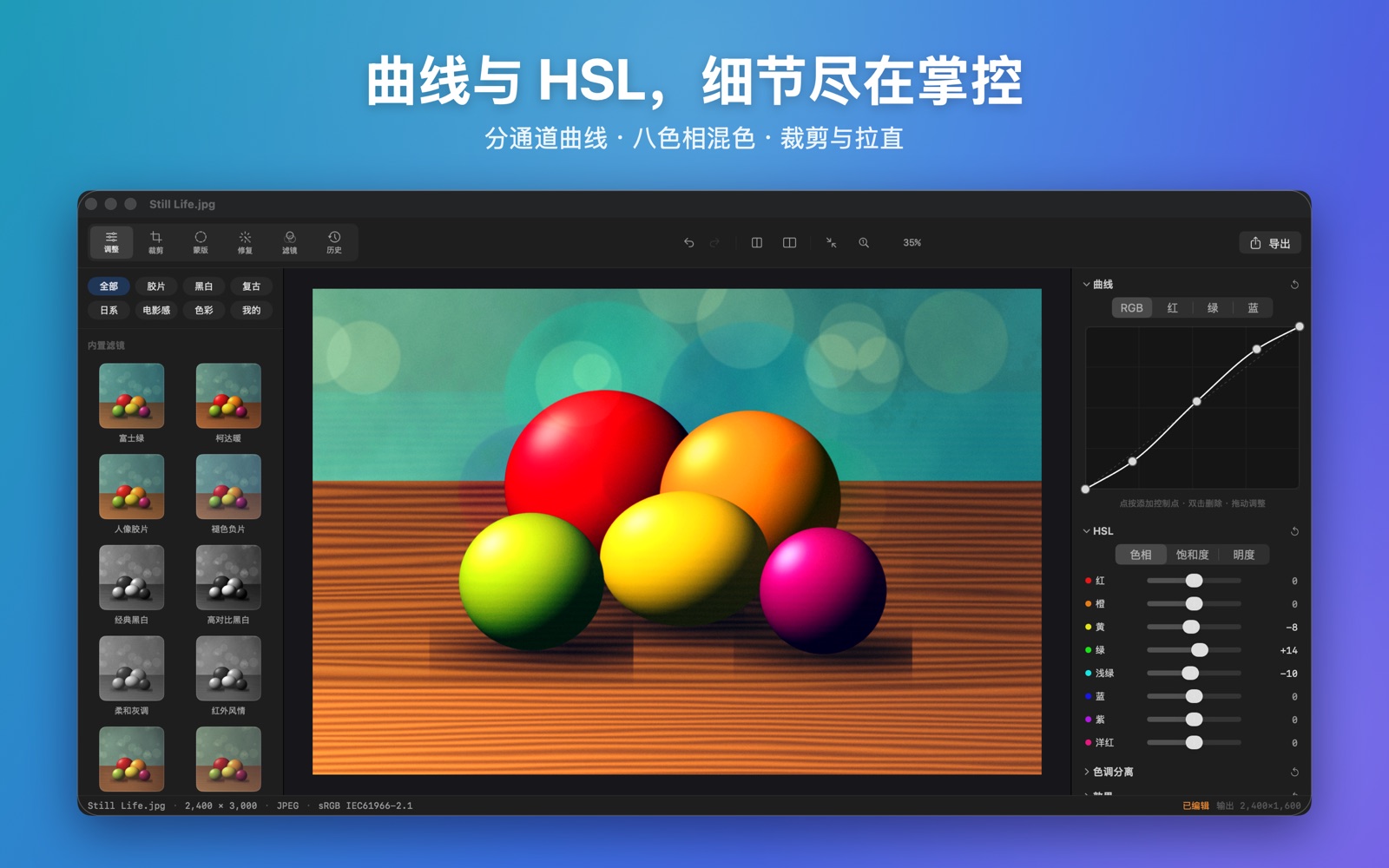
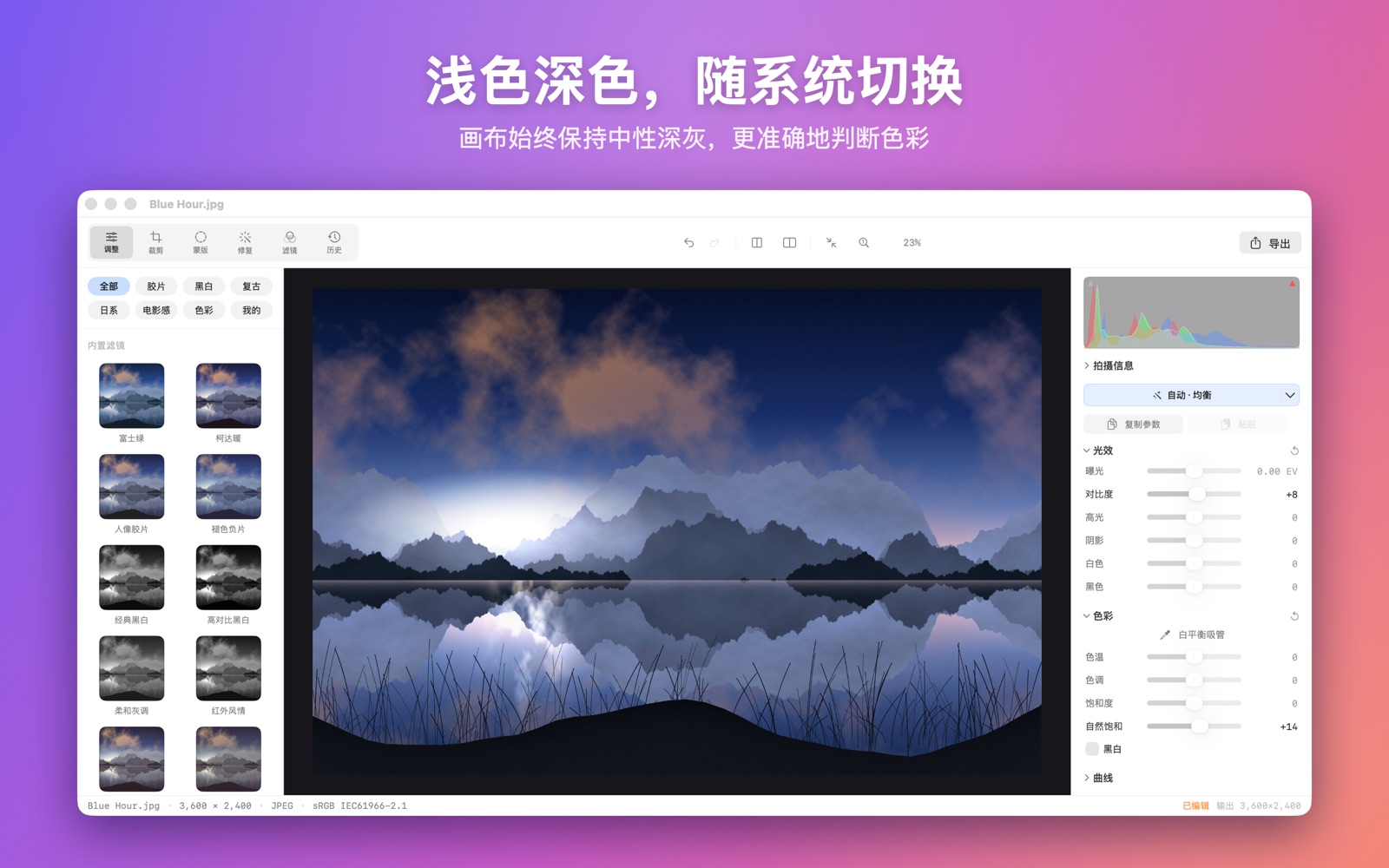
One-click Auto Adjust (8 styles including Balanced, Portrait, Landscape and Night); exposure, contrast, highlights, shadows, temperature (with a white balance eyedropper), vibrance, black & white channel mixing; RGB and per-channel curves, 8-band HSL, split toning; texture, clarity, dehaze, sharpening, luminance / color noise reduction, defringe, vignette and grain; a histogram with highlight / shadow clipping warnings.
Local masks
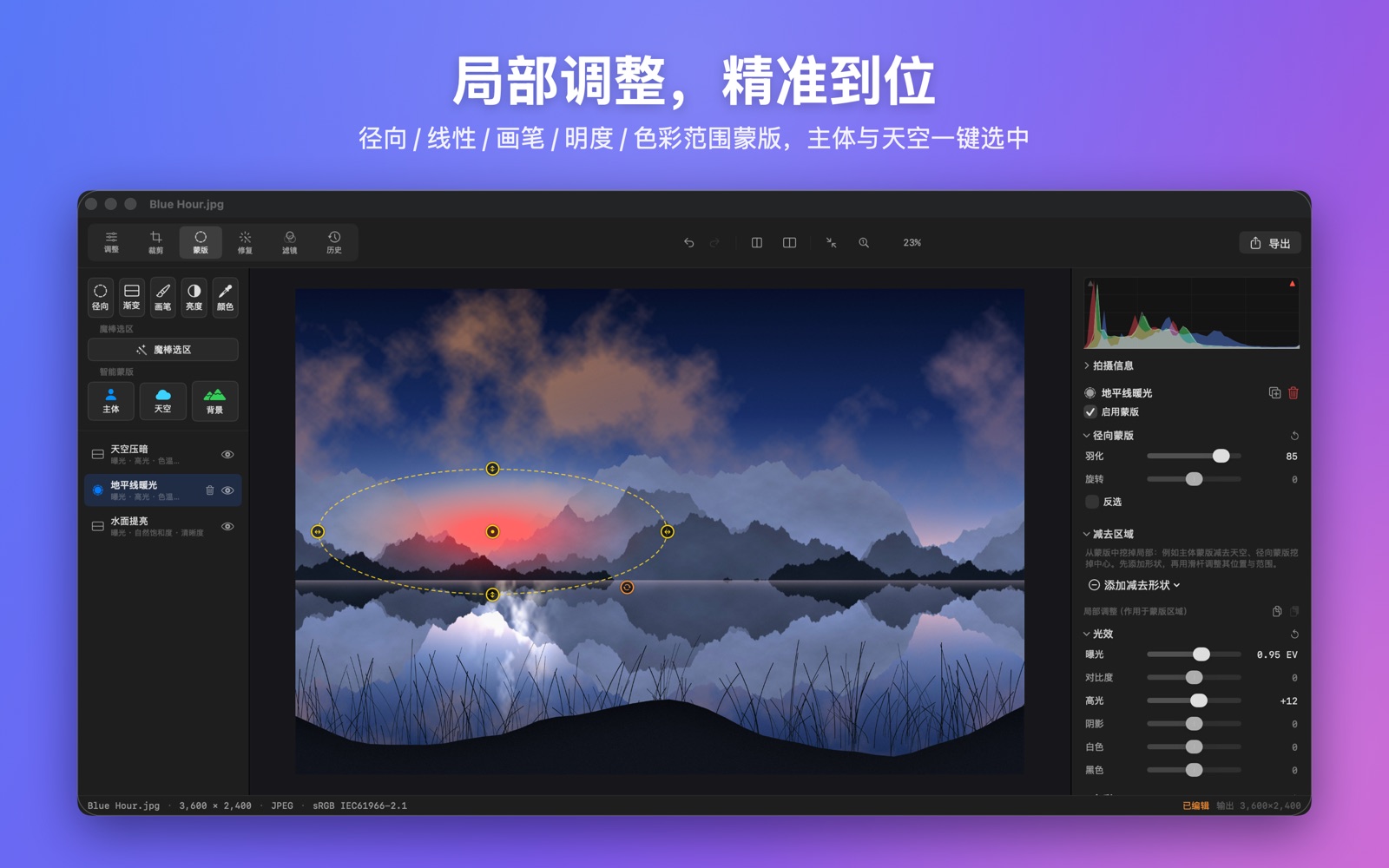
Radial, linear gradient, brush, luminance and color-range masks, plus a magic wand and smart subject / sky / background selection. Every mask carries a full set of adjustments, and you can stack as many as you like.
Removal brush & red eye
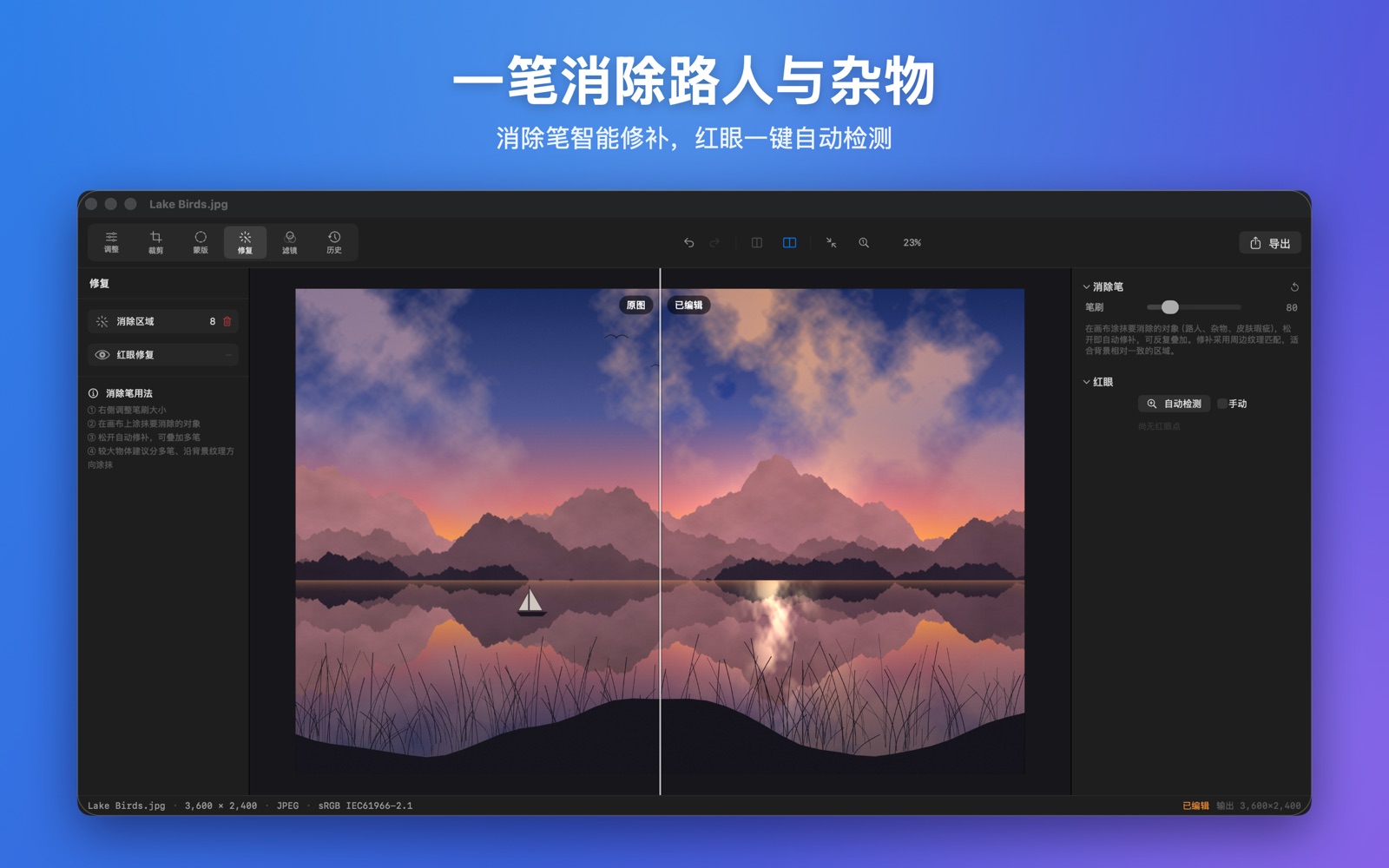
Paint over passers-by, clutter and skin blemishes to remove them; stack strokes and undo anytime. Red eye is detected automatically, or you can click it manually.
Filters, LUTs & presets
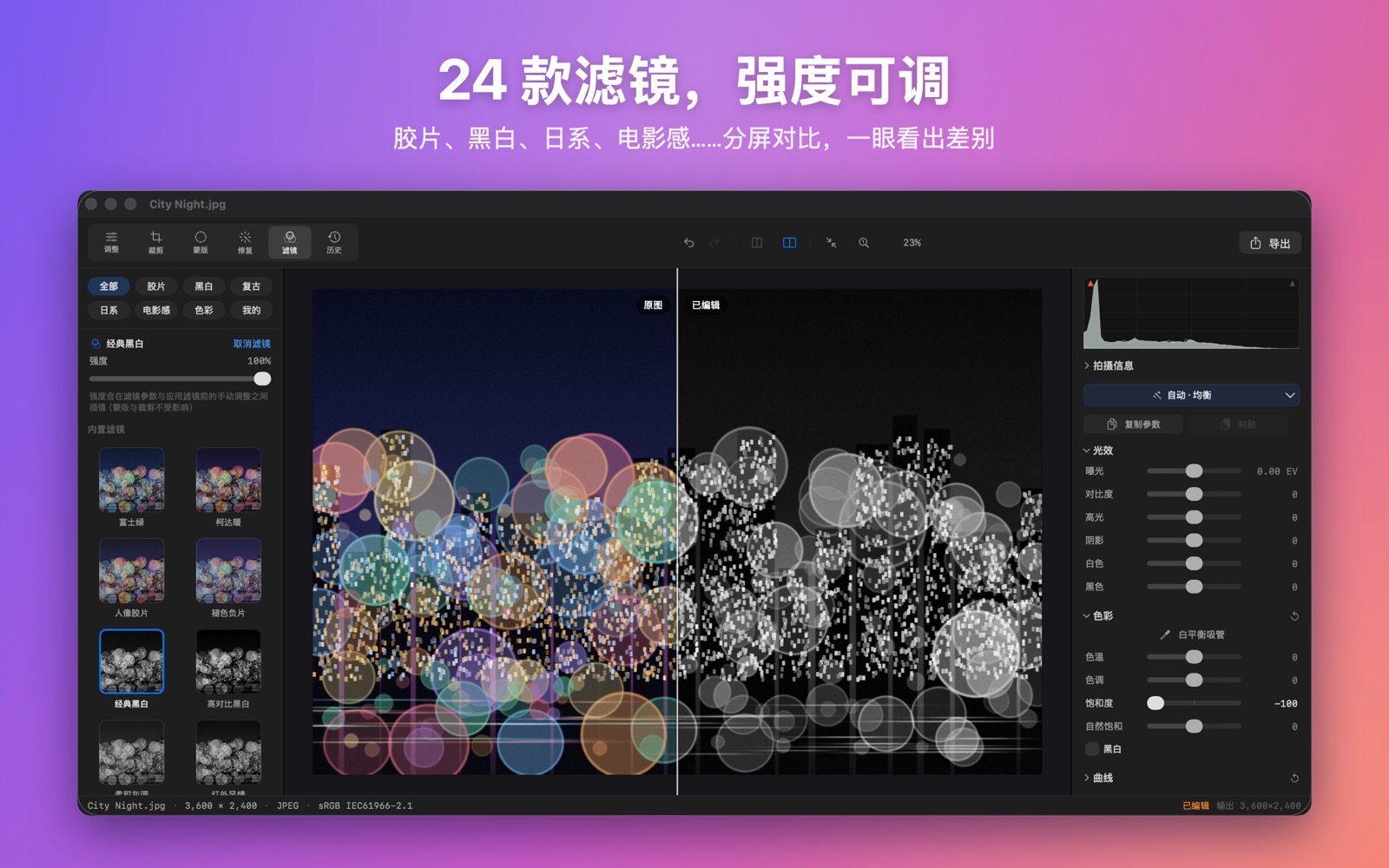
24 built-in filters in six categories — Film, Black & White, Vintage, Japan, Cinematic and Color — with adjustable strength. Import .cube LUTs, or save the current settings as your own preset.
Crop, straighten & lens correction
Common aspect ratios (including portrait) and free crop; straighten by any angle with automatic fill, or let it straighten for you; flip horizontally / vertically and rotate 90°; manual lens distortion and vignetting correction.
Batch processing
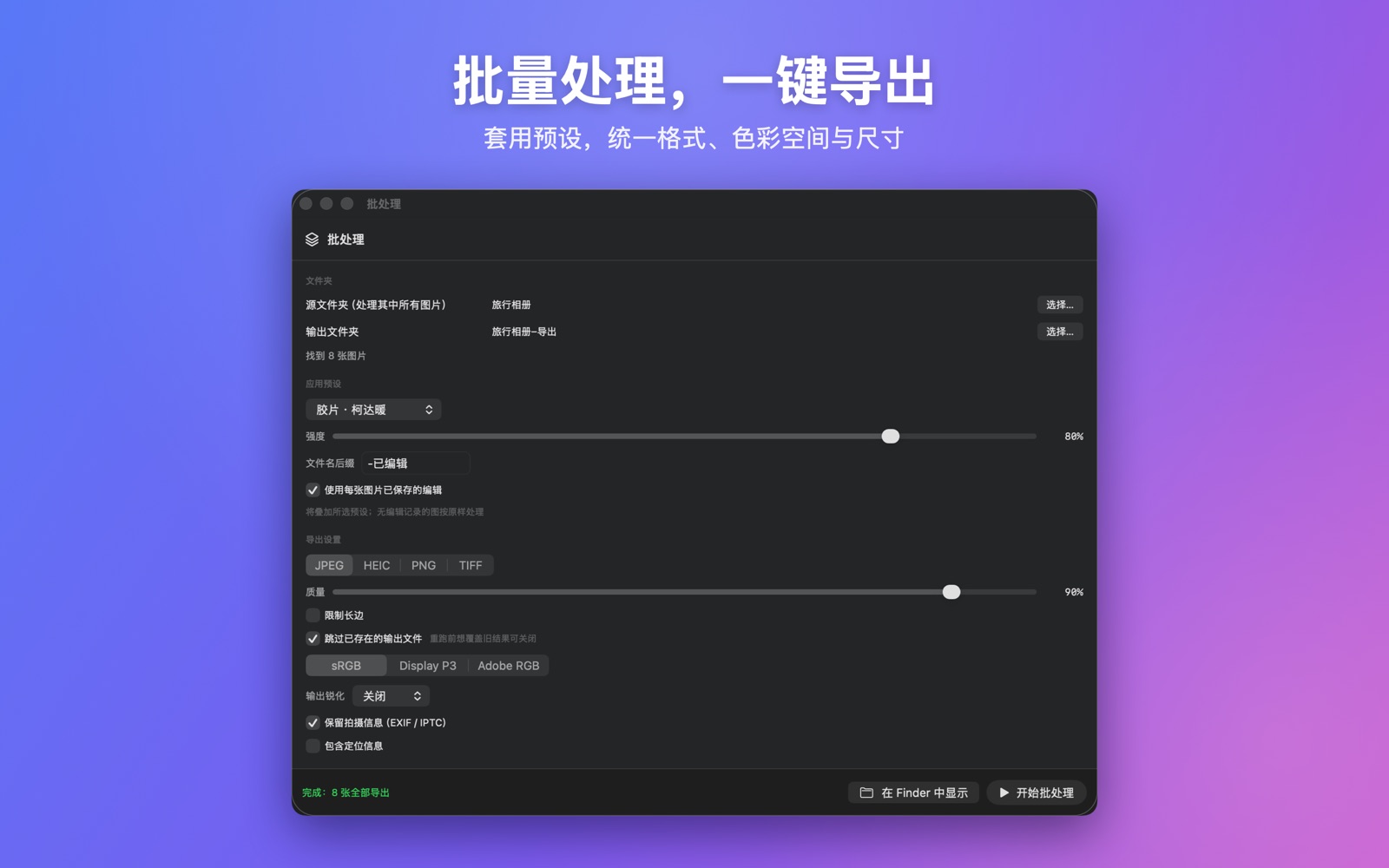
Pick a folder, apply a preset at a chosen strength, and export with a uniform format, size and color space. Progress and a failure report are shown, and failed items can be retried in one click.
Export
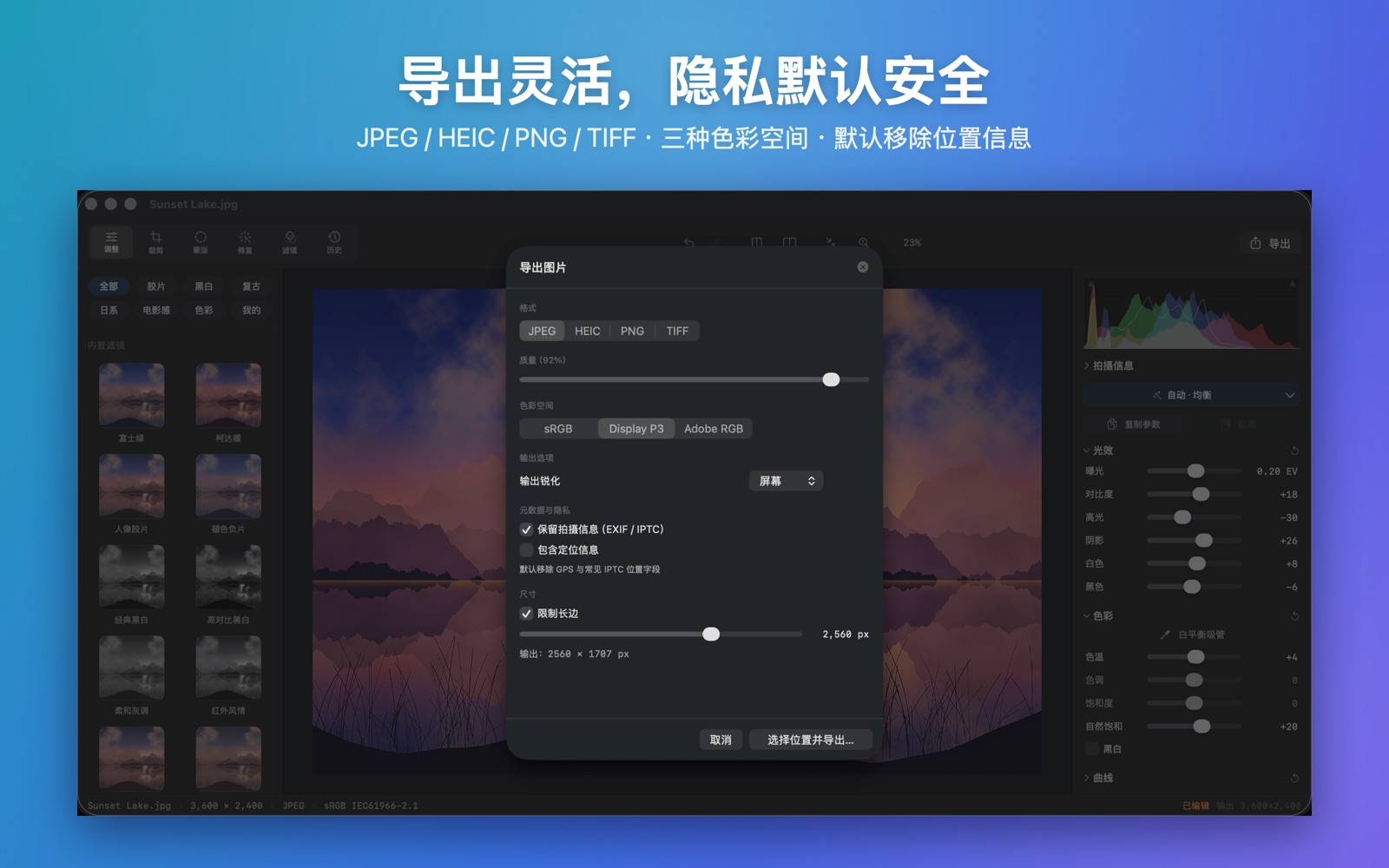
JPEG, HEIC, PNG and TIFF; sRGB, Display P3 and Adobe RGB; HEIC at 10-bit, TIFF / PNG at 16-bit. Limit the long edge and add output sharpening; location data is removed by default.
Fully offline
No accounts, no ads, no analytics, and the app itself has no network permission. Photos are processed only on your Mac, and edit records stay on your device.
A look around
System requirements
macOS 14 Sonoma or later · Apple silicon / Intel universal (a Metal-capable GPU is required) · 11 interface languages · supports JPEG, PNG, HEIC, TIFF and camera RAW (decoded by macOS, with a RAW Development panel)